
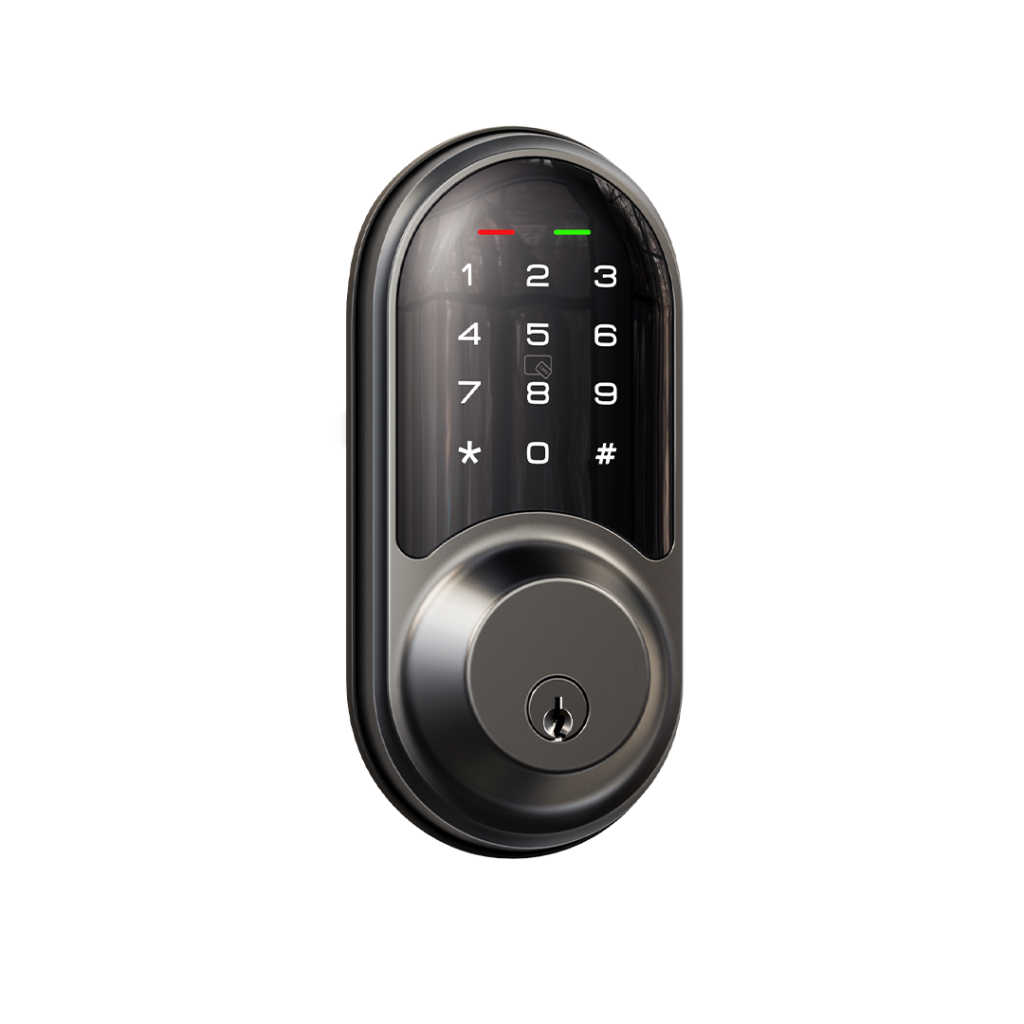
VEISE RZ06 Keypad Smart Lock – Satin Nickel
Overview
The VEISE RZ06 Keypad Smart Lock in Satin Nickel offers five versatile access methods: APP, Fobs, password, key, and thumb turn. With remote control capability via the optional Veise Gateway G2 (sold separately), you can manage access from anywhere, view real-time logs, and integrate with Alexa and Google Assistant. The smart deadbolt supports auto-lock (5s–900s) and one-touch locking from the keypad. Easy to install on standard US doors, this lock is ideal for families, Airbnb hosts, and property managers.
Key Features
- 5-in-1 access: APP, Fobs, password, key, and thumb turn
- APP control & eKeys: Manage passwords, access rights, and view logs; authorize family or guests via eKey
- 250+ passwords: Generate permanent, timed, one-time, and recurring passwords remotely
- Remote access: With Veise Gateway G2 (sold separately); works with Alexa and Google Assistant
- Auto-lock and one-touch lock: Set auto-lock delay from 5s to 900s, or lock instantly via keypad
- Easy DIY installation: Fits left- and right-handed US standard doors; only a screwdriver needed
- Warranty & support: 1-year warranty plus lifetime online phone support (Mon–Fri, 9 AM–5 PM EST) and 24/7 email service
Who It Is For
- Homeowners seeking a convenient, keyless entry solution
- Airbnb hosts who need to manage temporary guests with timed or one-time passwords
- Property managers requiring remote access logs and eKey authorization for tenants
- Small business owners (e.g., motels) wanting to grant secure, controlled access
- Families looking to share access with members and monitor comings and goings via the app
FAQs
What does the VEISE RZ06 Smart Lock include?
The lock includes the keypad deadbolt, two physical keys, two key fobs, mounting hardware, and batteries. The Veise Gateway G2 for remote control is sold separately.
Does this lock work with Alexa or Google Assistant?
Yes, but only when paired with the Veise Gateway G2 (sold separately). With the gateway, you can control the lock via voice commands and check the door status remotely.
How do I set up the lock for the first time?
Start by installing the lock on your door. Do not change the Master Password via the keypad before pairing the lock in the app. If the app doesn't find the lock, reset it by holding down the reset button.
Can I create temporary passwords for guests?
Yes. The lock supports permanent, timed, one-time, and recurring passwords. You can generate and share these remotely through the app, making it ideal for Airbnb or short-term rentals.
What is the warranty on this lock?
VEISE offers a 1-year warranty and lifetime online phone support (Monday–Friday, 9 AM–5 PM EST) plus 24/7 after-sales email service.