
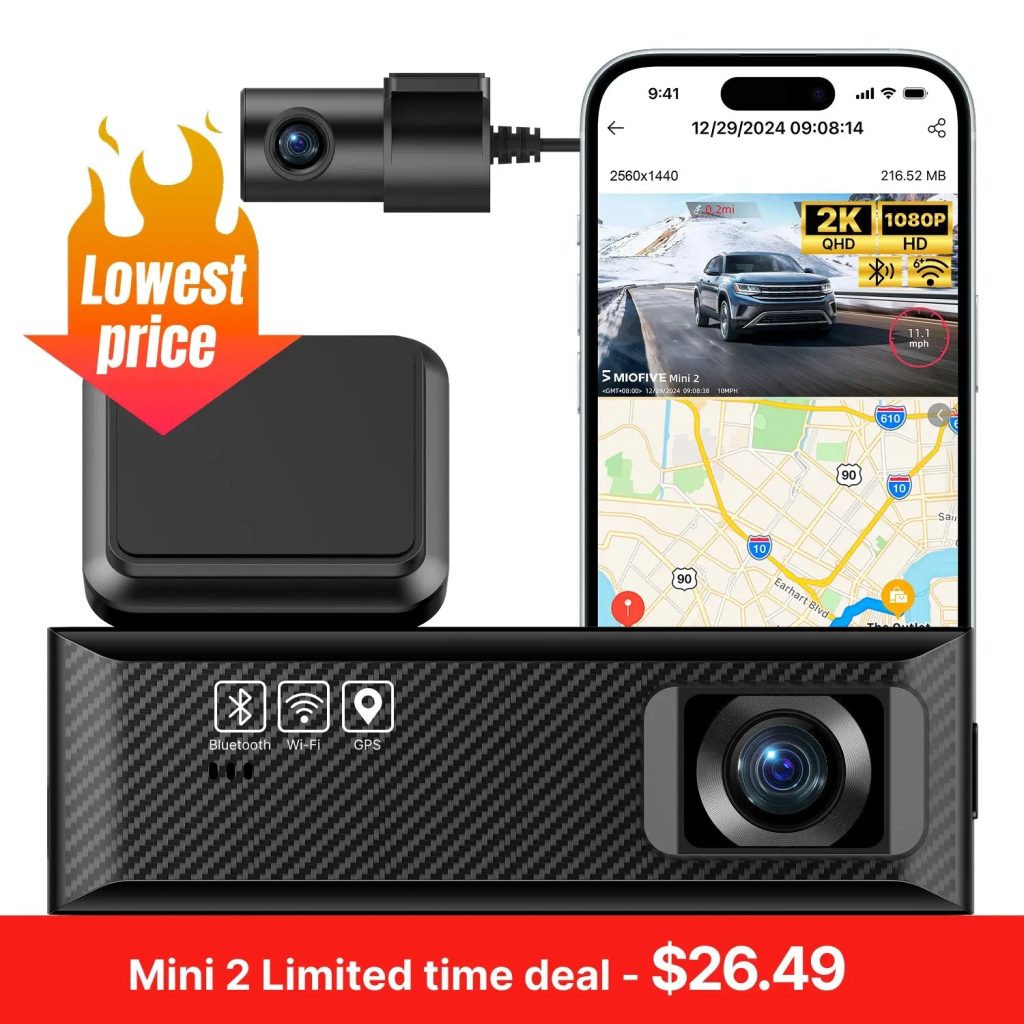
MIOFIVE Dash Cam Mini 2 2K+1080P FHD Dual Dash Camera(SD Card Not Included)
Overview
Capture every moment on the road with the MIOFIVE Dash Cam Mini 2. This compact dual camera system records in 2K (2560×1440) at 30fps from the front and 1080P at 25fps from the rear, giving you clear, detailed footage day and night. Equipped with Wi-Fi 6 and app control, you can view, download, and share videos directly from your phone. GPS tracking logs your route and speed, while Super Night Vision ensures the road stays visible even in low light. The dash cam also features loop recording, collision sensing, and 24H parking monitor (with optional hardwire kit, sold separately). Please note: SD card is not included.
Key Features
- Front 2K (2560×1440 @30fps) + Rear 1080P (1920×1080 @25fps) for sharp dual-angle recording.
- Wi-Fi 6 & App Control — connect, manage, and download footage wirelessly via the Miofive app.
- Built-in GPS to track your driving route, speed, and location.
- Super Night Vision — enhanced low-light sensitivity for clear nighttime recordings.
- Loop Recording automatically overwrites old footage when the memory card is full.
- Collision Sensing (G-Sensor) locks and saves critical footage upon impact.
- 24H Parking Monitor (requires optional hardwire kit, not included) keeps watching even when you are away.
- Compact, easy-to-install design — adhesive mount and plug-and-play setup.
Who It Is For
- Daily commuters who want a reliable, compact dash cam for peace of mind.
- Rideshare or delivery drivers who need both front and rear coverage.
- Car enthusiasts looking for a feature-rich, WiFi-enabled dash cam at an affordable price.
- New drivers who prioritize safety and want evidence in case of an accident.
- Anyone who wants a simple, app-controlled dash cam with GPS tracking.
FAQs
Does this dash cam come with an SD card?
No, the SD card is not included. It supports microSD cards from 32 GB to 512 GB (U3 Class 10 recommended).
How do I activate the parking monitoring mode?
Parking monitor requires the optional hardwire kit (sold separately). Once installed, the dash cam will automatically switch to parking mode when the ignition is off.
Why is the video quality on the app not as clear as expected?
Videos viewed in the app are compressed for smoother playback. For best clarity, download the video to your phone’s gallery or a computer.
How do I format the memory card?
Open the Miofive app, go to My Device → Quick Settings → More → Format Memory Card. Note: formatting erases all data, so back up important files first.
How does the dash cam start recording?
After the initial setup (power on and connect to the app), the dash cam automatically starts recording whenever it receives power — no manual start needed.