
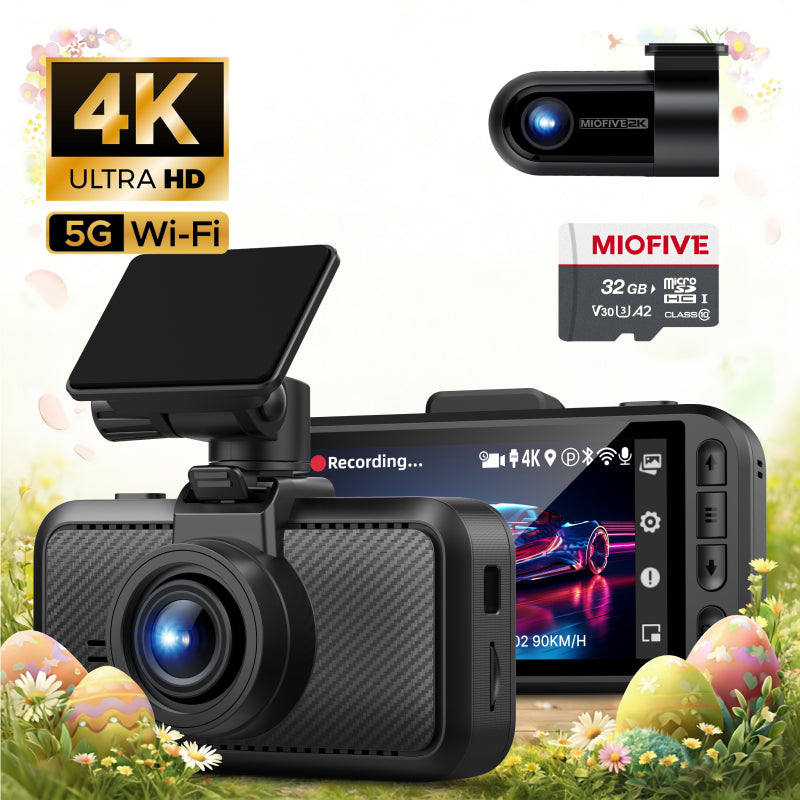
MIOFIVE Dash cam S1 Pro 4K+2K Dual Dash Camera(AU)
Overview
The MIOFIVE S1 Pro Dash Cam delivers 4K Ultra HD front recording and 2K Quad HD rear recording, ensuring crystal-clear footage of every journey. Equipped with built-in GPS, 5GHz Wi-Fi, and smart app control, this dual-camera system offers seamless connectivity and advanced driving assistance. Its super capacitor design ensures reliable operation in extreme temperatures from -20°C to 70°C, making it a durable choice for Australian roads.
Key Features
- 4K Ultra HD front camera (3840×2160) and 2K Quad HD rear camera (2560×1440) for sharp, detailed footage.
- Built-in GPS for accurate location tracking and speed camera alerts.
- 5GHz Wi-Fi and smart app control for easy video playback and settings management.
- 24-hour parking monitor (requires hardwire kit, sold separately) with motion detection.
- Seamless loop recording with automatic overwriting to never miss a moment.
- G-Sensor automatically locks and protects critical footage during collisions.
- Super capacitor for reliable performance in extreme temperatures (-20°C to 70°C).
Who It Is For
- Drivers who want crystal-clear 4K+2K dual recording for maximum road safety.
- Commuting professionals who need 24-hour parking surveillance to protect their vehicle.
- Tech-savvy users who value smart app control and 5GHz Wi-Fi for instant video access.
- Drivers in hot or cold climates requiring a durable device with super capacitor reliability.
- Anyone seeking built-in GPS and speed camera alerts for safer, smarter driving.
FAQs
How do I enable the 24-hour parking monitor?
You need the specific hardwire kit (ASIN: B0CRHL4N8X) – sold separately – to activate parking mode. This protects your car battery while the dash cam monitors motion.
How does the dash cam start recording?
After initial setup via the Miofive app, the dash cam automatically starts recording whenever it receives power.
Do I need to buy an SD card?
Yes, an SD card is not included. It supports 32GB to 512GB microSD cards (U3 Class 10 recommended, like Miofive's own).
Why is the video quality unclear on the app?
Videos viewed in the app are compressed for smoother playback. For full quality, download the video to your phone or computer.
How do I format the memory card?
Open the Miofive app, go to My Device → Quick Settings → More → Format Memory Card.