
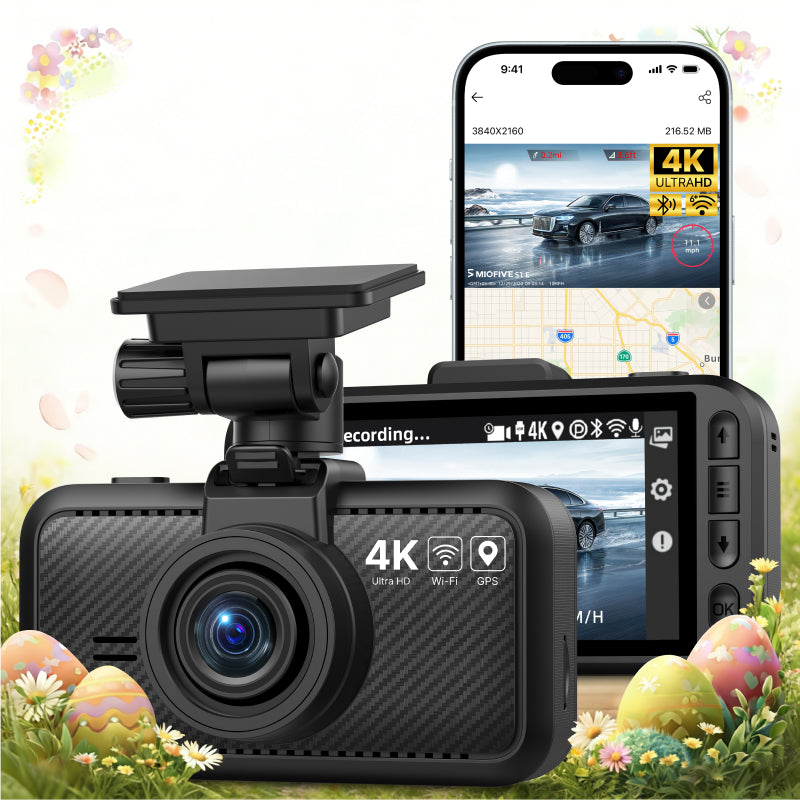
MIOFIVE Dash Cam S1 E 4K Front Dash Camera
Overview
The MIOFIVE Dash Cam S1 E is a front-facing 4K dash camera designed to capture crystal-clear footage of your drives. Priced at $49.99, it combines advanced imaging with smart connectivity features like Built-In WiFi 6 and GPS Route Tracking. Whether you're parking or cruising, the dash cam offers 24-Hour Parking Monitor and Super Night Vision for round-the-clock protection. With loop recording and a G-Sensor, it ensures critical moments are never missed.
Key Features
- Crystal 4K Resolution: Captures sharp, detailed front-facing video.
- Built-In WiFi 6: Fast wireless connection to the Miofive app for quick file transfers and live view.
- GPS Route Tracking: Records your driving route, speed, and location data.
- Super Night Vision: Enhanced low-light performance for clear footage after dark.
- 24-Hour Parking Monitor: Continuous surveillance even when parked (requires separate hardwire kit).
- Loop Recording & G-Sensor: Automatically overwrites old footage; G-Sensor locks files on impact detection.
Who It Is For
- Drivers seeking an affordable 4K front dash camera with modern connectivity.
- Car owners who want GPS route tracking to review trips and routes.
- Anyone needing reliable parking monitoring for added security while parked.
- Users who prefer app-based controls and quick video downloads via WiFi 6.
- Those looking for a compact dash cam with supercapacitor reliability instead of a battery.
FAQs
I want to use the parking monitoring function. Do I have to buy a separate hardwire kit?
Yes, the hardwire kit (ASIN: B0CRHJQ3WQ) enables the Mini S Dash Cam's parking monitoring mode. The hardwire kit is not included; you need to purchase it separately.
Why is the video quality of my dash cam unclear?
To ensure smoother video playback, the videos viewed on the app or the dash cam screen are compressed and may not represent the original video quality. Please download the video to your phone's gallery or computer for better clarity.
How does the dash cam start working?
When using it for the first time, simply power on the dash cam and follow the instructions in the manual to connect the app and activate the device. After the initial setup, the dash cam will automatically start recording whenever it is powered on.
Do I need to buy an SD card to use this dash cam? Which memory card is recommended?
This dash cam supports memory cards ranging from 32 GB to 512 GB. We recommend a U3 Class 10 microSD card from Miofive. With USB 3.0 Type-C Card Reader: 128 GB: B0CSY3XDR6; 256 GB: B0CSYBRGC9; 512 GB: B0CSYH4LYJ.
How does the dash cam format the memory card?
Open the Miofive app, go to My Device → Quick Settings → More → Format Memory Card.